Schweinehund

Help

First steps, guides and the most common questions. Anything else by email.

Getting started

  1. Name him: Give your Schweinehund a name and decide what has to be done by when.
  2. Prove it: Scan the barcode, tap the NFC sticker or go there. There is no checkbox.
  3. Seize: Every win costs him furniture. Every defeat buys him more.

Guides

Add a mission

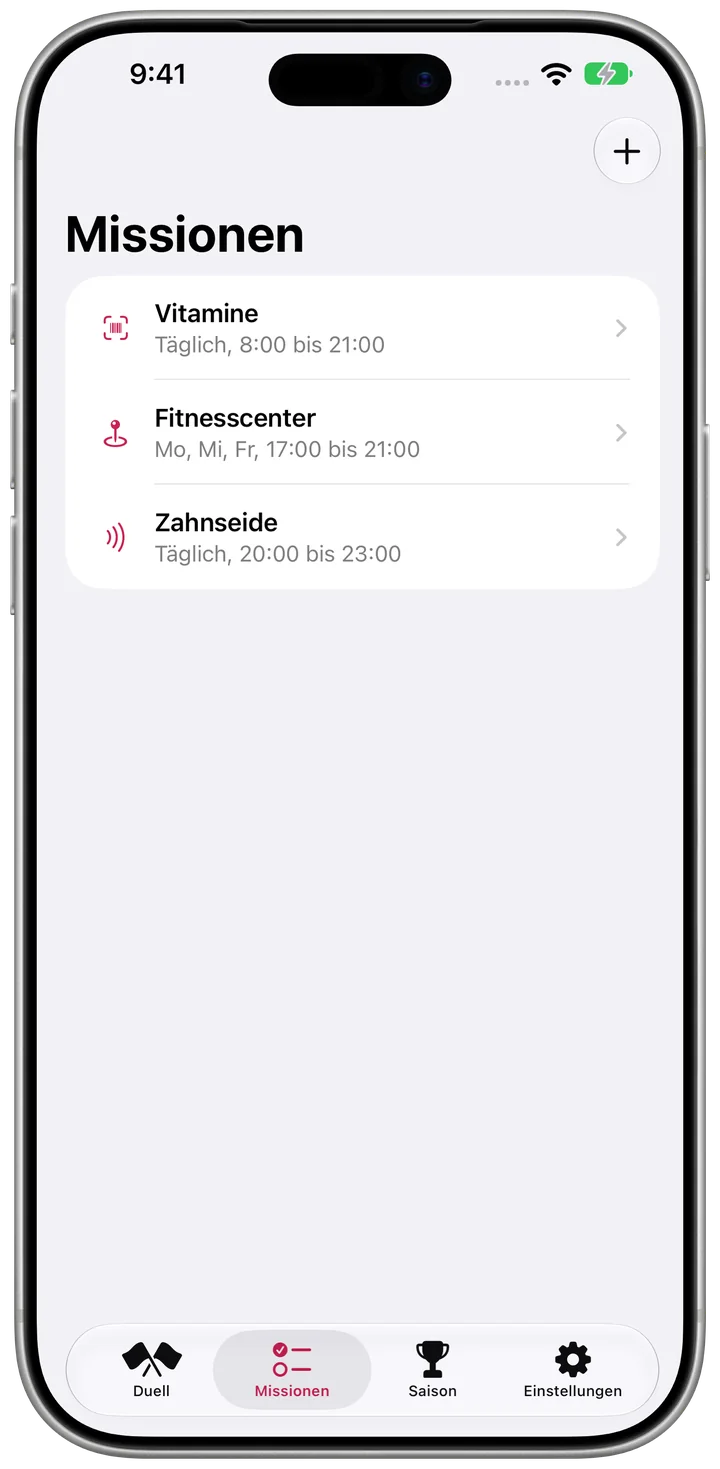
  1. Open the Missions tab and tap the plus.
  2. Set a name, proof and time window.
  3. Teach the proof and save.
Add a mission

Set up an NFC sticker

  1. Choose “NFC sticker” as the proof.
  2. Tap “Write sticker” and hold the iPhone to the sticker.
  3. Stick it where it happens.

Use a place as proof

  1. Choose “Place” as the proof and search for it.
  2. Allow location “Always” and he notices by himself.
  3. Without it, tap “I'm here” when you arrive.

Surrender

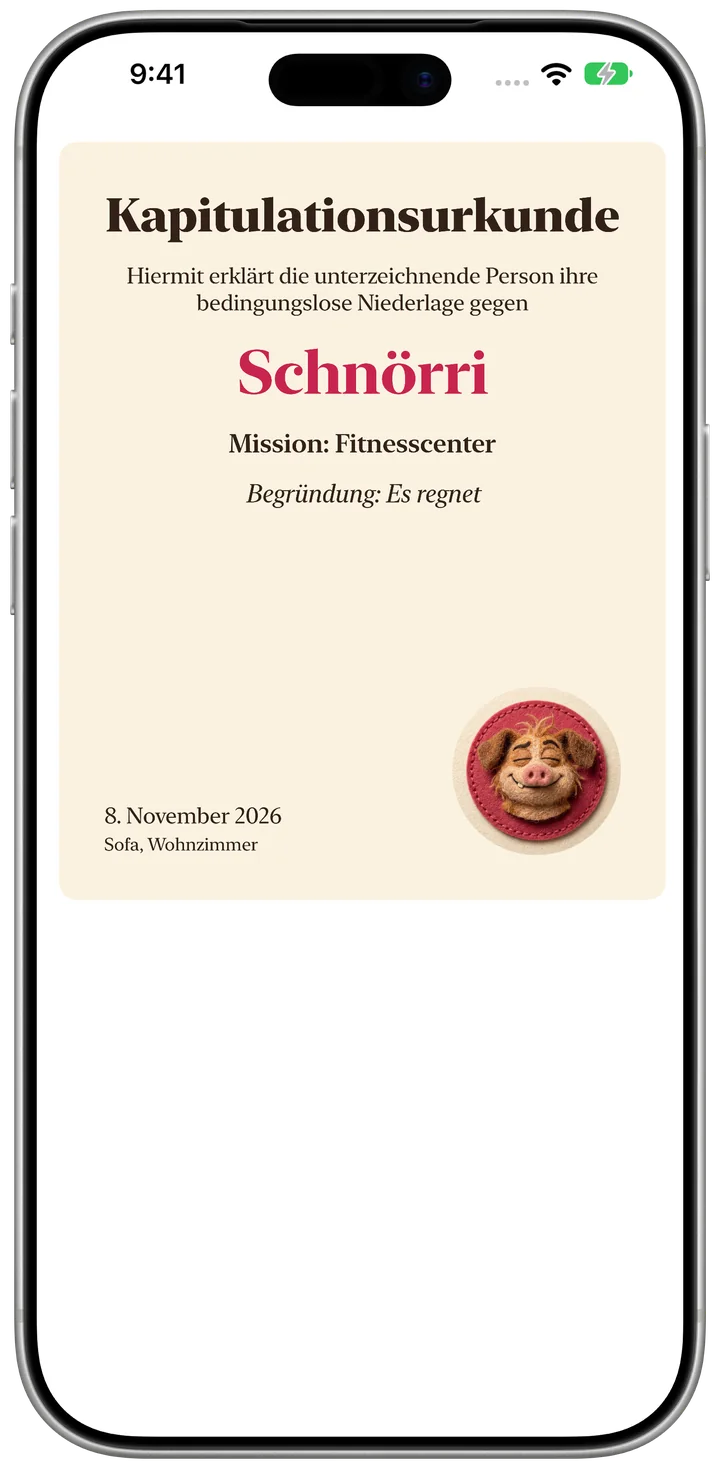
  1. Tap “Surrender” and choose an excuse.
  2. Press and hold the button.
  3. View the certificate and share it from the preview if you like.
Surrender

Frequently asked questions

Can I just tick it off?

No. That is the point. Only a barcode, NFC sticker or place counts.

Which NFC stickers work?

Writable NDEF stickers such as NTAG213. The app writes them itself.

How do I stop the nagging?

Settings have quiet hours and a truce for illness or holidays. Or surrender for today.

Why doesn't the icon change right away?

iOS only allows the change while the app is open and announces it itself. You can turn it off in Settings.

Is the app suitable for medication?

For vitamins and habits. Not for vital medication.

How do I delete everything?

Delete the app. That removes the score too.

Restore purchases

Open Settings in the app, tap the purchase and choose “Restore purchases”. It needs the same Apple Account you bought it with.

Contact

A question, a bug, a wish: write to us.

schweinehund@bognar.net